
8 Essential Authoring Tool Features for a Modern Learning Management System
8 Authoring Tool Features for a Modern LMS: Designing Training Like a High-Impact Experience
In today’s workplace, employee training is no longer just a support function. It has become a daily performance driver that directly impacts skills, engagement, and outcomes.
Modern training programs need to be visual, interactive, mobile-friendly, and immediately applicable to the job. Current eLearning trends highlight a move toward AI-powered, personalized, and immersive learning experiences that combine digital efficiency with human guidance.
A high-performing LMS therefore requires authoring tools that do more than just create content. These tools must allow learning teams to design experiences that are engaging, actionable, and aligned with organizational goals, ensuring employees can translate training into measurable workplace performance.

1. Customizable Layout Builder for Professional Training
In modern workplaces, every detail of training contributes to employee engagement and learning effectiveness.
A customizable layout builder allows learning teams to design courses with full creative control, rather than being limited by rigid templates. Teams can define layouts, adjust spacing, apply corporate typography, and structure content visually to reflect organizational identity. This flexibility transforms learning from a generic experience into a cohesive, branded training environment, where every module reinforces company values and standards.
Why It Matters
Consistent Branding Across Training
Courses visually align with corporate guidelines, internal communications, and digital platformsStronger Learner Engagement
Employees absorb not just knowledge, but the look and feel of the organization’s professional standardsIncreased Credibility and Trust
Well-designed courses demonstrate quality and professionalism, enhancing learner confidenceCreative Freedom for Training Teams
Teams can structure content according to needs, without depending on fixed templatesAlignment with Workplace Experience
Training mirrors real organizational culture and professional expectations, making learning more relevant and impactful
In essence, authoring tools in an LMS should allow teams to design training experiences as intentionally as they design company communications or websites—choosing layouts, visual hierarchy, and styling to maximize engagement and reinforce organizational identity.
2. Visual Storytelling and Engaging Course Design
In modern professional training, content should do more than inform—it should engage and inspire learners.
Visual storytelling and thoughtful course design transform learning modules into immersive experiences. By using well-structured layouts, compelling imagery, and clear narrative flow, training becomes interactive and memorable. This approach helps employees understand not just what they need to know, but how to apply it in real-world scenarios, creating a stronger connection between knowledge and practical performance.
Key Benefits
Higher Learner Engagement
Employees connect with content through visuals, storytelling, and interactive designImproved Understanding
Concepts, processes, and workplace applications are contextualized within meaningful examplesBetter Knowledge Retention
Narrative-driven and visually engaging content is easier to remember than static textAlignment with Organizational Communication
Training mirrors company culture, messaging, and professional standardsElevated Learning Experience
Courses move beyond functional instruction to become inspiring and motivating experiences
Why It Matters
Professional training becomes not just informational, but engaging and impactful, helping employees retain knowledge, apply skills effectively, and perform confidently on the job.
3. Interactive Video and Experiential Demonstrations
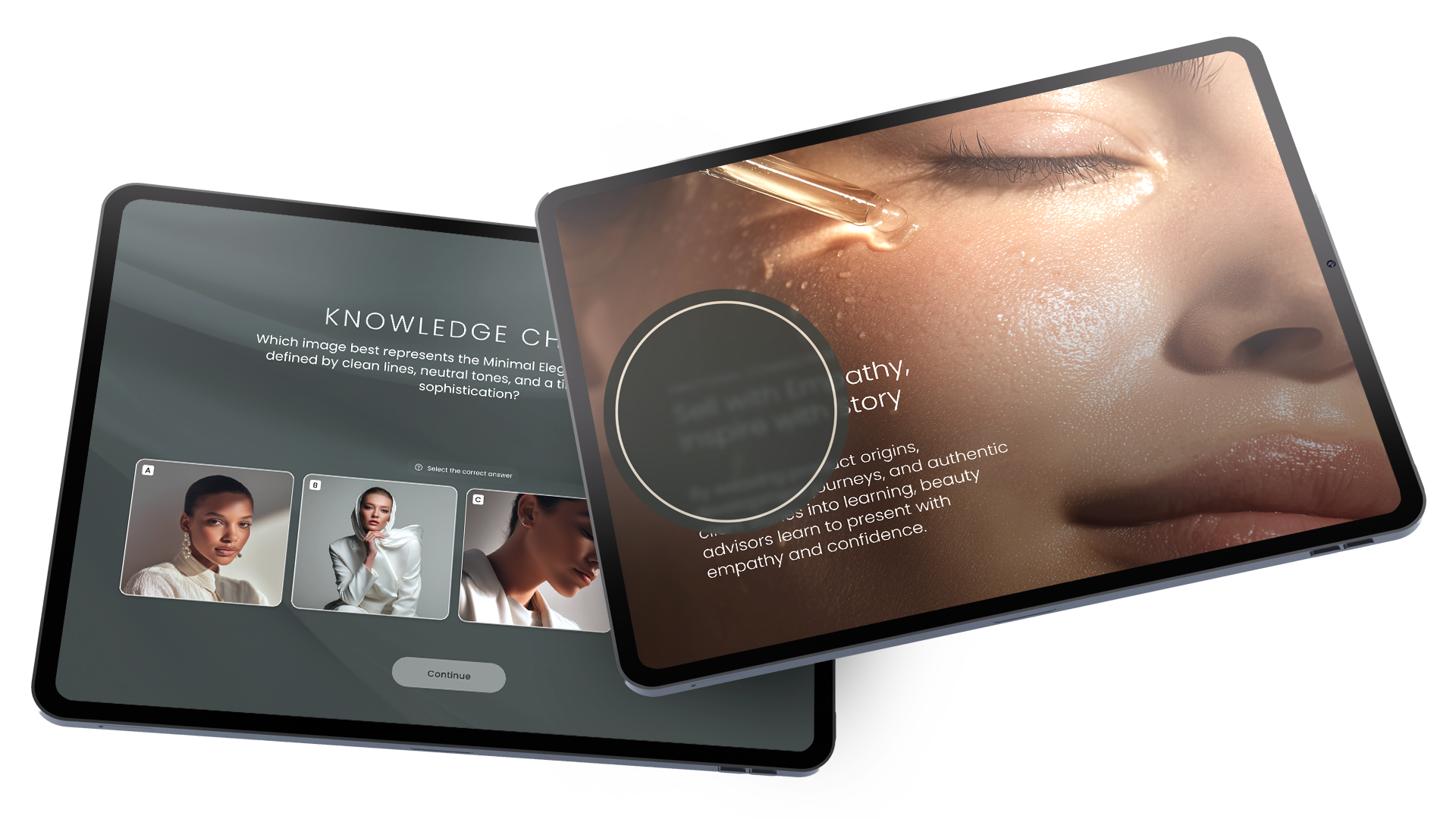
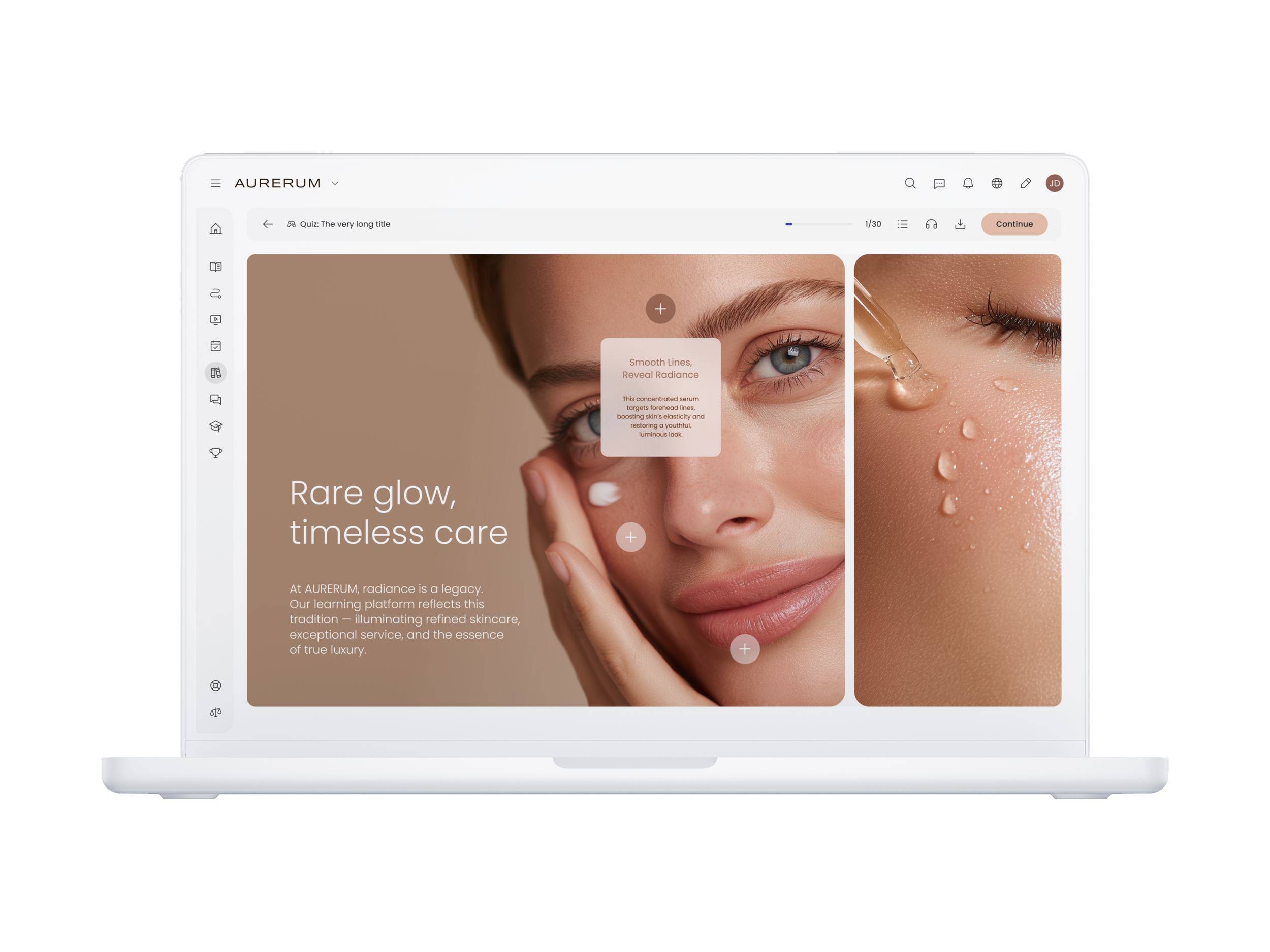
In professional training, seeing is important, but interacting is what drives learning. Interactive video transforms traditional content into immersive experiences where learners actively engage with tasks, scenarios, and decision-making processes.
By embedding hotspots, quizzes, and branching decision points, employees move from passive viewers to active participants. Whether it’s practicing workflows, identifying critical features, or responding to workplace scenarios, interactive video brings training closer to real-life applications and reinforces both confidence and knowledge retention.
Key Benefits
Active Learning Through Interaction
Learners engage directly with content through choices, questions, and explorationImproved Knowledge Retention
Visual and interactive formats help employees remember processes, procedures, and best practicesReal-World Application
Simulates workplace scenarios, decision-making, and task executionHigher Engagement
Interactive elements maintain attention better than static videos or slidesImmediate Feedback and Reinforcement
Learners see instantly whether their actions are correct and understand why
Why It Matters
Interactive video shifts training from passive observation to active practice, making learning more practical, engaging, and aligned with real workplace demands.
4. Scenario-Based Learning for Real-World Skill Application
In professional training, performance often depends on making the right decisions in real-world situations.
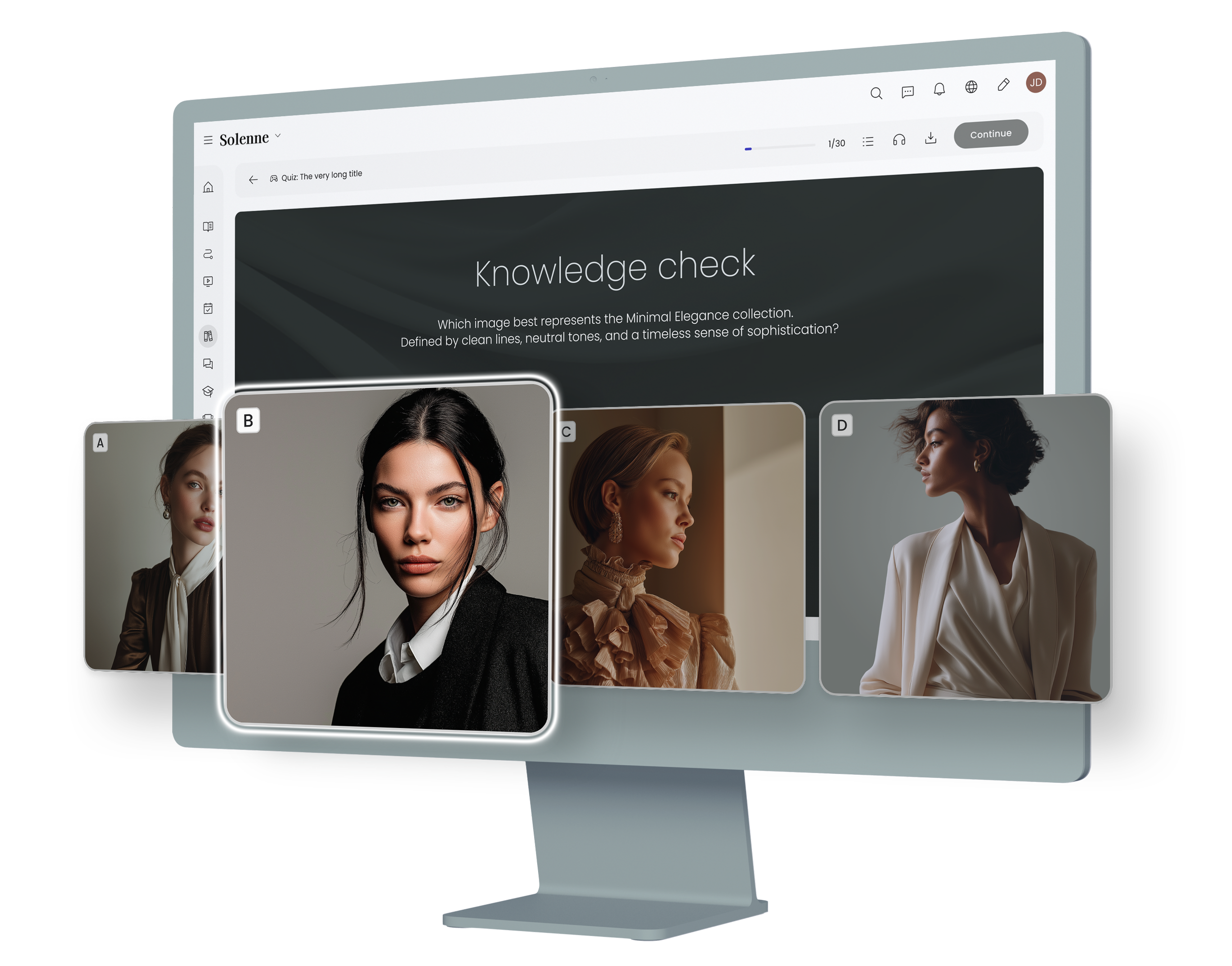
Scenario-based learning recreates workplace moments through realistic simulations, allowing employees to practice tasks, problem-solving, and client interactions in a safe, controlled environment. By presenting learners with practical challenges—different client needs, objections, or workflow scenarios—and asking them to make decisions, this approach builds confidence, judgment, and practical skills. It goes beyond theory, helping employees translate knowledge into effective actions on the job.
Key Benefits
Safe Real-World Practice
Learners can experiment with different approaches and strategies without real-world consequencesEnhanced Decision-Making Skills
Develops the ability to adapt strategies to specific scenarios or challengesStronger Workplace Confidence
Repetition and simulation prepare employees to handle real situations effectivelyBetter Understanding of Stakeholder Needs
Encourages empathy, awareness, and tailored solutionsDirect Impact on Performance
Reinforces practical skills, problem-solving, and application of best practices
Why It Matters
Scenario-based learning strengthens confidence, judgment, and skill application, ensuring employees are prepared to perform effectively in real workplace situations.
5. AI-Assisted Content Creation with Human Oversight
AI can be a powerful accelerator in training content development, but it works best as an assistant rather than a replacement for human expertise.
When used effectively, AI can help generate first drafts, structure courses, suggest quizzes, identify content gaps, and support localization, allowing learning teams to scale production and work more efficiently.
At the same time, the human element ensures that tone, context, storytelling, and relevance are preserved. This hybrid approach combines speed and scalability with the insight, creativity, and judgment that only humans can provide, making learning both efficient and meaningful.
Key Benefits
Faster Content Production
AI assists in drafting, organizing, and updating learning materials quicklyConsistency and Scalability
Standardizes formats and enables deployment across multiple teams or locationsData-Driven Optimization
AI identifies gaps, suggests improvements, and tracks performance to refine learningSupport for Multilingual Content
Speeds up translation and localization for global training programsHuman-Led Quality and Relevance
Humans maintain control over messaging, context, and authenticity to ensure content resonates with learners
Why It Matters
AI accelerates training content creation and enhances efficiency, while humans ensure relevance, clarity, and engagement, making blended learning both scalable and impactful.
6. Multilingual and Localization Engine for Global Training
In global organizations, training content must travel fast without losing clarity or relevance.
A multilingual and localization engine powered by AI enables learning teams to quickly translate and deploy content across multiple regions. Human review ensures accuracy, cultural relevance, and alignment with organizational standards.
This hybrid approach balances speed and precision: AI handles first-pass translation and bulk updates, while local experts refine tone, terminology, and nuances to match each region. The result is training that is globally consistent yet locally meaningful, allowing employees in any market to engage effectively with content.
Key Benefits
Instant Global Deployment
Translate and launch training programs across multiple regions quicklyConsistent Organizational Messaging
Human review preserves tone, terminology, and brand or corporate voiceCultural Relevance
Content is adapted for local context, not just directly translatedEfficient Updates Across Languages
Changes and improvements can be applied simultaneously worldwideReduced Time and Cost
AI handles bulk translation while human oversight ensures quality and relevance
Why It Matters
A strong multilingual and localization strategy ensures that global training is consistent, accurate, and culturally appropriate, helping employees around the world engage meaningfully and apply learning effectively.

7. Mobile-First Microlearning Builder
In today’s workplace, employees often have limited time for training, so learning must fit seamlessly into daily routines.
A mobile-first microlearning builder allows learning teams to create short, focused modules—typically 2 to 5 minutes—designed for quick consumption between tasks or during short breaks. Optimized for smartphones, these modules deliver essential knowledge in a concise, visually engaging format, making training easy to access, repeat, and apply immediately. This approach turns learning into a continuous habit rather than a scheduled, one-off activity.
Key Benefits
Integrates into Daily Workflows
Short, focused modules can be completed during downtime without disrupting primary responsibilitiesHigher Engagement and Completion Rates
Bite-sized content is easier to consume and motivates learners to finish coursesImmediate Skill Application
Employees can apply new knowledge quickly to real tasks and scenariosOptimized for Mobile Experience
Designed for smartphones from the ground up, not adapted from desktop contentEncourages Continuous Learning
Frequent, short learning sessions improve retention, reinforce skills, and create consistent learning habits
Why It Matters
Mobile-first microlearning makes training accessible, practical, and effective, helping employees stay engaged and apply skills immediately, even in fast-paced or time-constrained environments.

8. Responsive Design and Multi-Device Preview
In modern professional training, design quality extends beyond content creation to how courses perform across devices.
An authoring tool with responsive design and multi-device preview allows learning teams to create, test, and validate modules on desktop, tablet, and mobile before publishing. This ensures a seamless learner experience regardless of device. With responsive layouts, advanced formatting options, and precise control over media, spacing, and styling, teams can deliver polished, professional, and visually consistent courses that enhance engagement and readability.
Key Benefits
Responsive Design Across Devices
Courses automatically adapt to desktop, tablet, and smartphone screensPreview Before Publishing
Teams can validate how each module appears and functions on every deviceProfessional Visual Consistency
Layouts, images, and multimedia maintain clarity and polish across formatsAdvanced Customization and Branding
Styling and formatting options allow alignment with organizational guidelines and brand standardsEnhanced Learner Experience
Well-structured, visually consistent modules improve navigation, comprehension, and engagement
Why It Matters
Responsive design and multi-device preview ensure training looks professional, functions smoothly, and delivers a consistent experience for all learners, maximizing engagement and retention across any device.
Conclusion: 8 Essential Authoring Tool Features for a Modern LMS
Designing effective training is no longer just about delivering information—it is about creating engaging, actionable, and meaningful learning experiences.
From visual storytelling and scenario-based learning to mobile-first microlearning, AI-assisted content, and responsive design, the right authoring tools empower learning teams to design courses that reflect organizational standards, culture, and professional expectations. When learning is crafted with care, it becomes more than a training program—it becomes a daily performance enabler, shaping how employees think, act, and apply skills in their roles.
Modern LMS platforms combine creative flexibility, AI-assisted workflows, advanced localization, and mobile accessibility to provide efficient, scalable, and engaging training experiences. This approach ensures that learning is aligned with organizational identity, practical for daily application, and designed to maximize engagement and retention.
The takeaway: Excellence in training comes from attention to detail. With the right authoring tools, organizations can transform learning into a strategic driver of performance, engagement, and workplace success.